

The Directory plan gives you your own page in the Artista artist directory. Once you have it, you can create your listing.
Before you start
- Time: about 5 minutes, on a computer or a phone.
- Have ready: your email address, your name and address, and a payment card.
- You do not need an Artista account first. It is made for you when you pay.
Step 1: Choose your plan
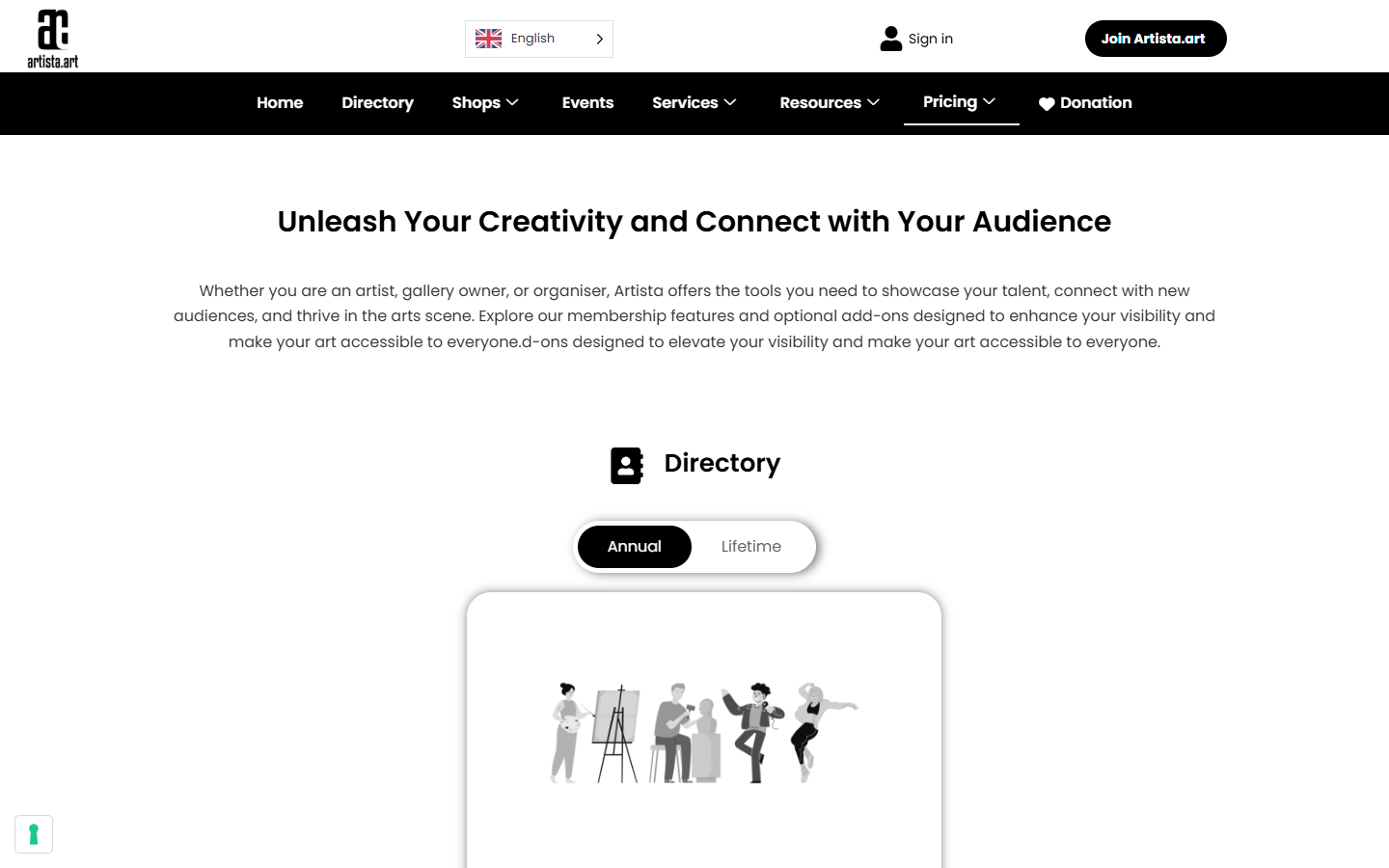
Go to the plans page. Under Directory, choose the plan you want: Annual, paid once a year, or Lifetime, paid once. Click the button on that card.
Step 2: Fill in your details and pay
The checkout page opens. Type your name, address and email. Use an email you check often, because your login details are sent there. Enter your card details, then click the button at the bottom to pay.

Step 3: Check your confirmation
You now see a page that thanks you for your order and shows your order number. Keep this number, in case you need help later.

Step 4: Find your login email
Artista sends you an email with your login details. It usually arrives within a few minutes. If you cannot find it, look in your spam or junk folder.
You should now see
When you sign in and click My Account, you see Directories Dashboard under Plans. That means your plan is active.
If something goes wrong
- My card was refused. Check the card number, the date and the 3-digit code on the back, then try again. Still refused? Try another card or ask your bank.
- I did not get the email. Look in spam or junk. Still nothing after 30 minutes? Contact Artista with your order number.
- I see the plans again after paying. Your payment has not gone through yet. Wait a few minutes, then sign out and in again.
Next step
Create your page with How to create your first directory listing.